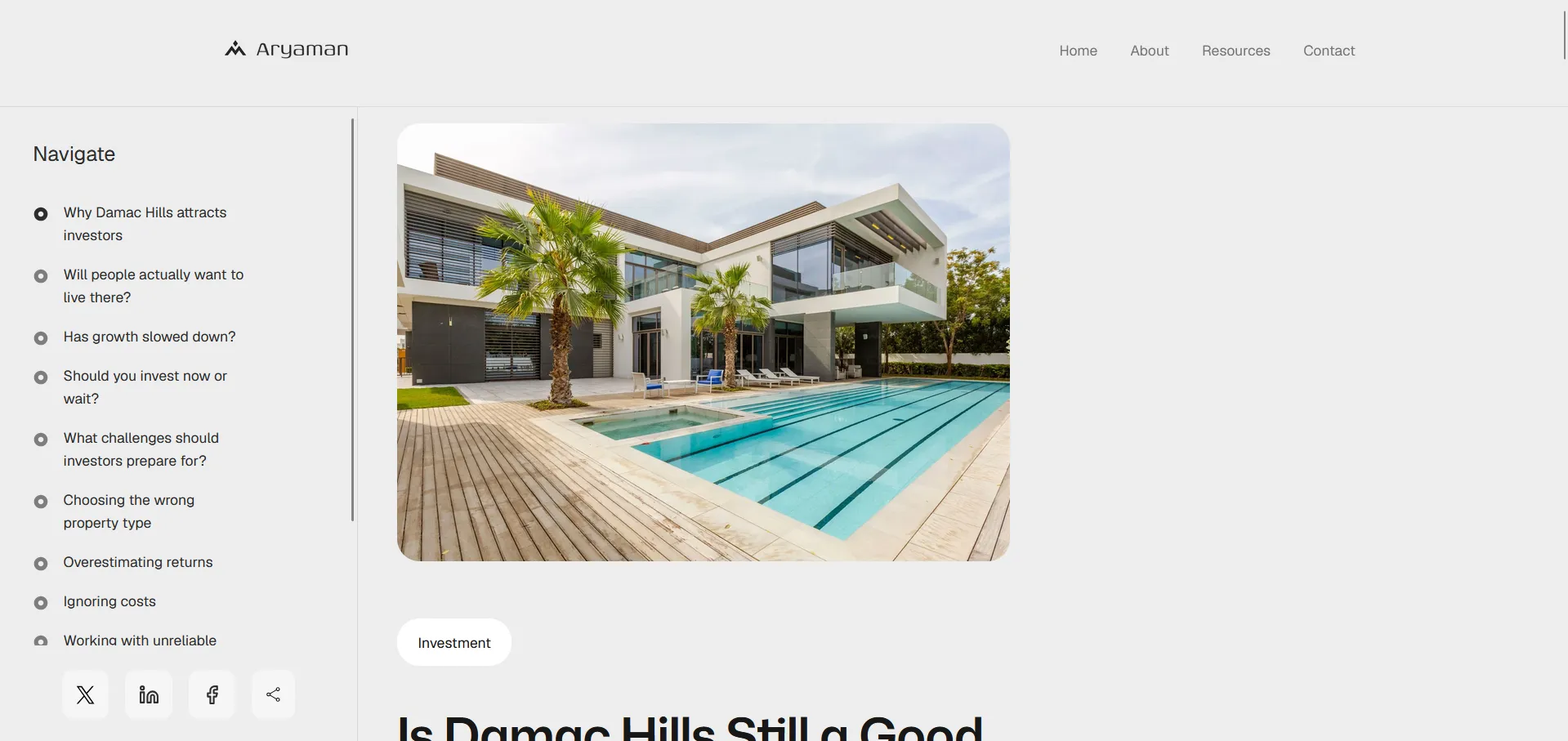
Creating New Resources
How to publish a new blog post or resource.
1. Log in
Section titled “1. Log in”Go to cms.aryamanconsults.com and sign in.

2. Create a new resource entry
Section titled “2. Create a new resource entry”In your admin dashboard, select the resource you would like to add.
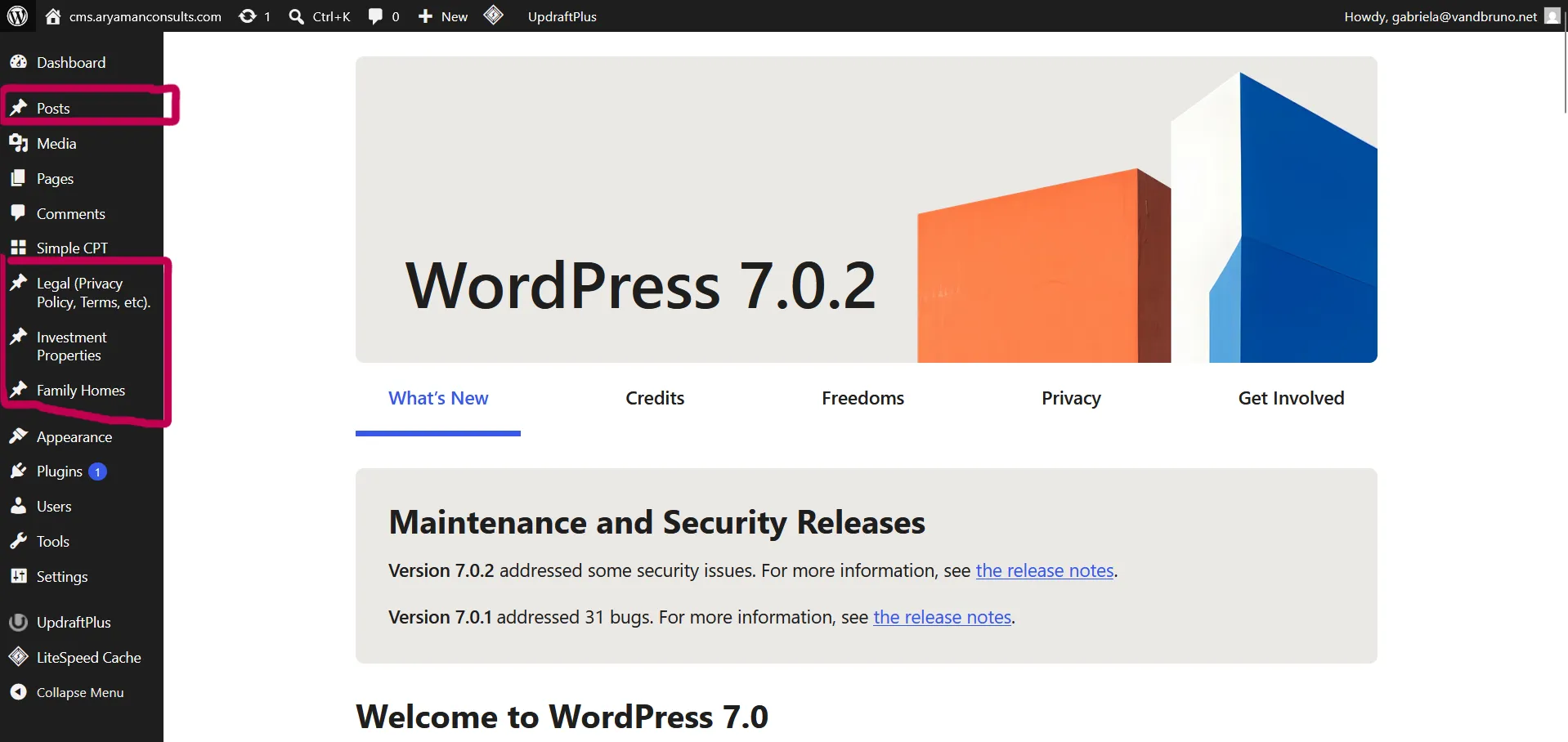
Hover over it, and click “Add new …”

3. Fill in the key fields
Section titled “3. Fill in the key fields”Add the title, excerpt, and body content.
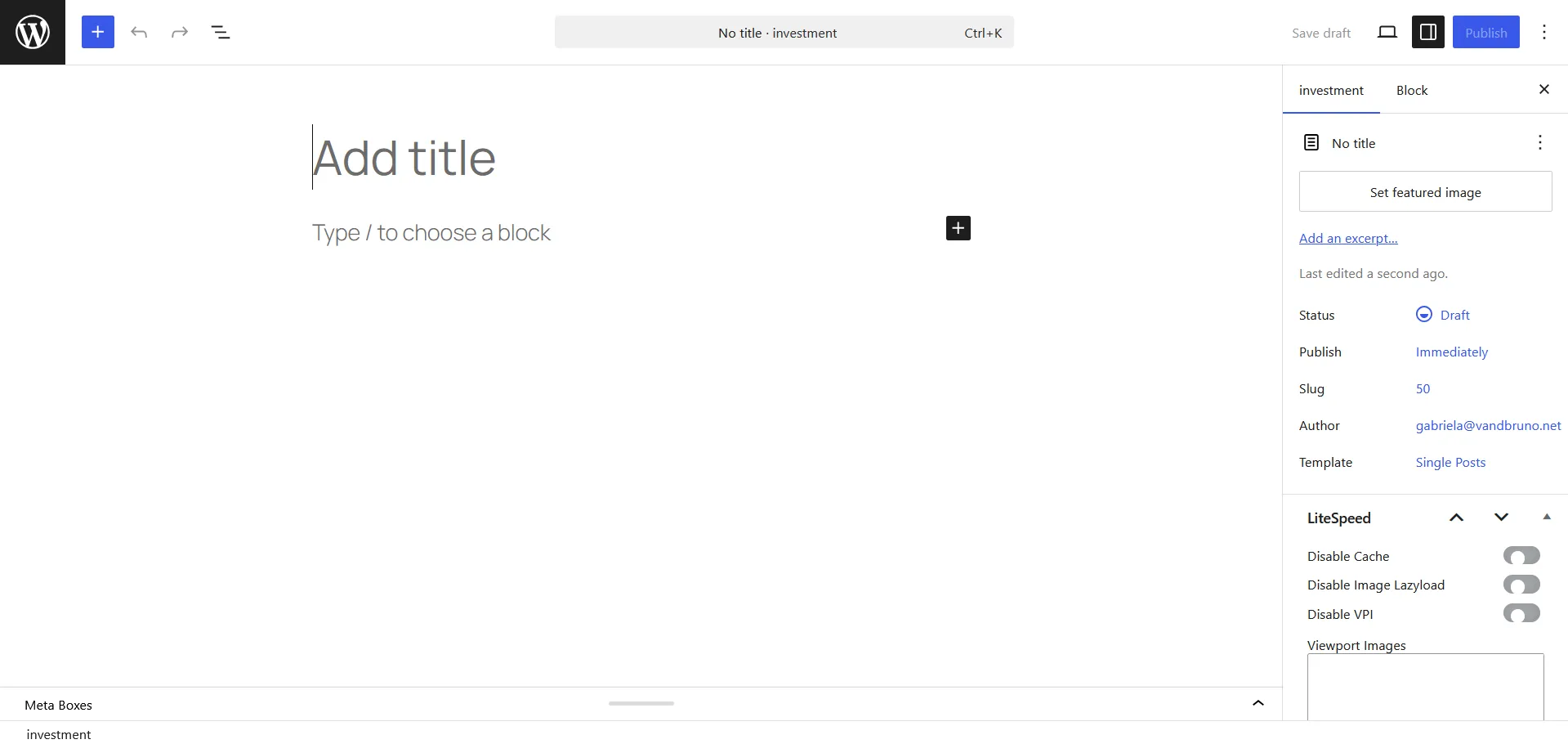
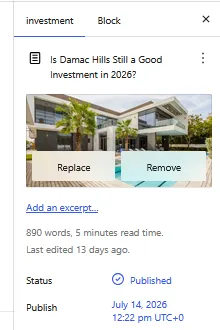
4. Add a featured image
Section titled “4. Add a featured image”See Images for rules on what can be used.
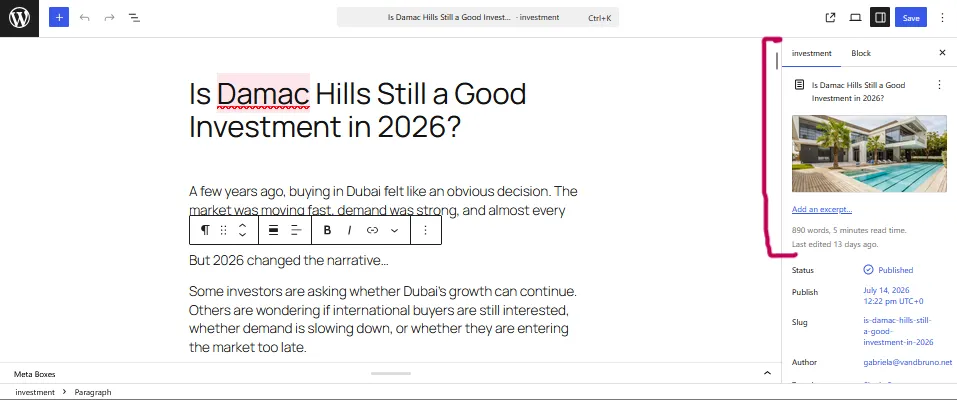
Here is an example of a featured Image:
5. Publish
Section titled “5. Publish”Choose your publishing option and confirm.

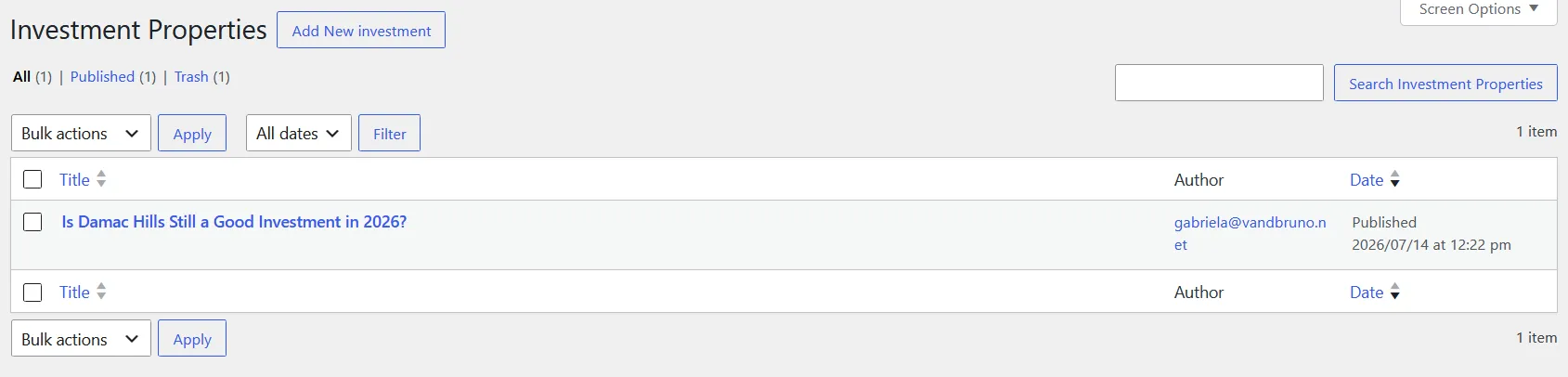
6. Confirm it’s live
Section titled “6. Confirm it’s live”Once published, the resource appears in the CMS’s list of existing resources.
7. No futher action to be done!
Section titled “7. No futher action to be done!”Once published, it is automatically available and displayed on the main website.