Editing Resources
How to update an existing blog post or resource.
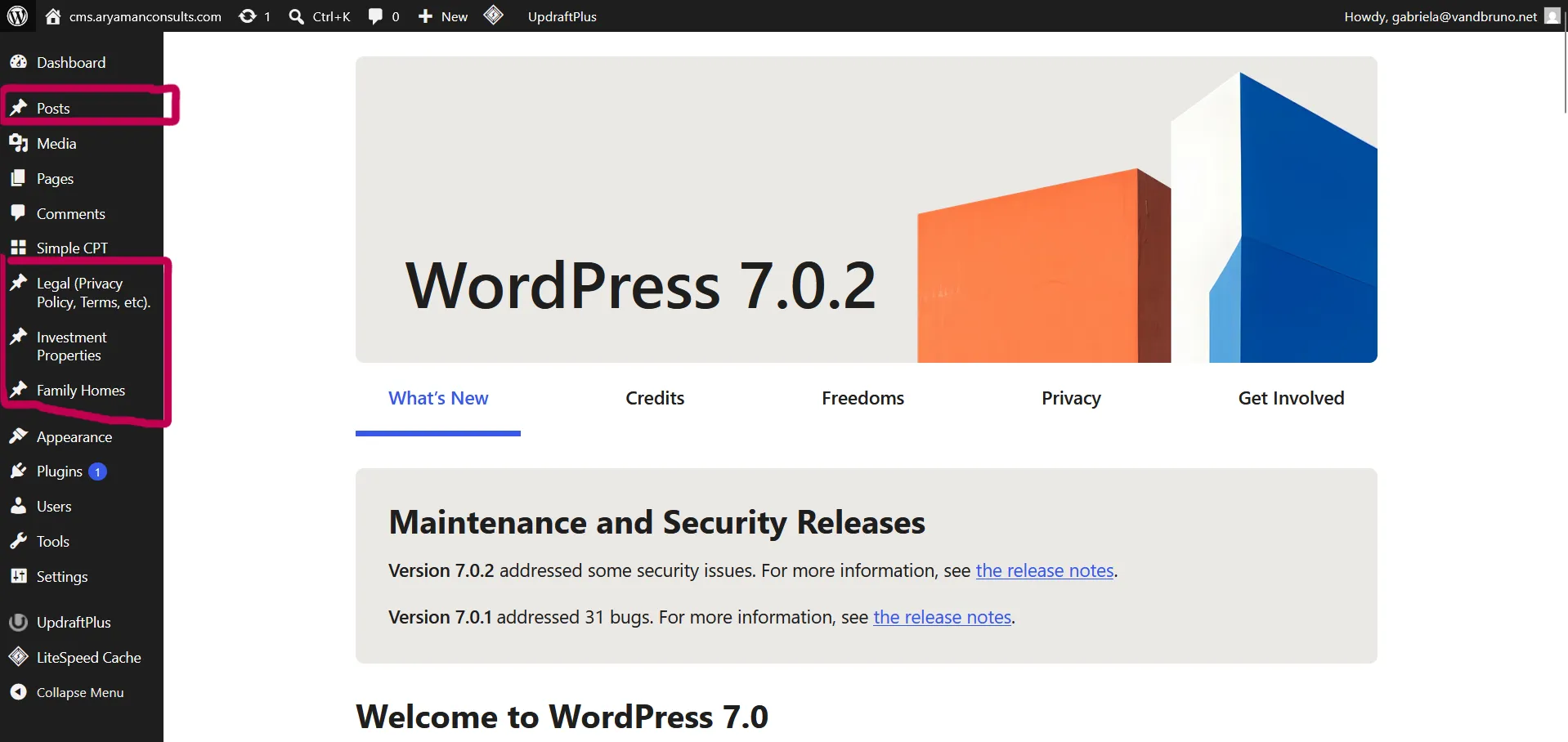
1. Log in to the CMS
Section titled “1. Log in to the CMS”
2. Find the resource in the list
Section titled “2. Find the resource in the list”Locate the resource you want to update from the list of existing resources.
3. Make your changes
Section titled “3. Make your changes”Edit the title, excerpt, body content, or featured image as needed.

4. Save / update
Section titled “4. Save / update”Changes go live automatically once saved, there’s no separate “publish” step for edits to existing content.